How to Organise a Cricket Tournament
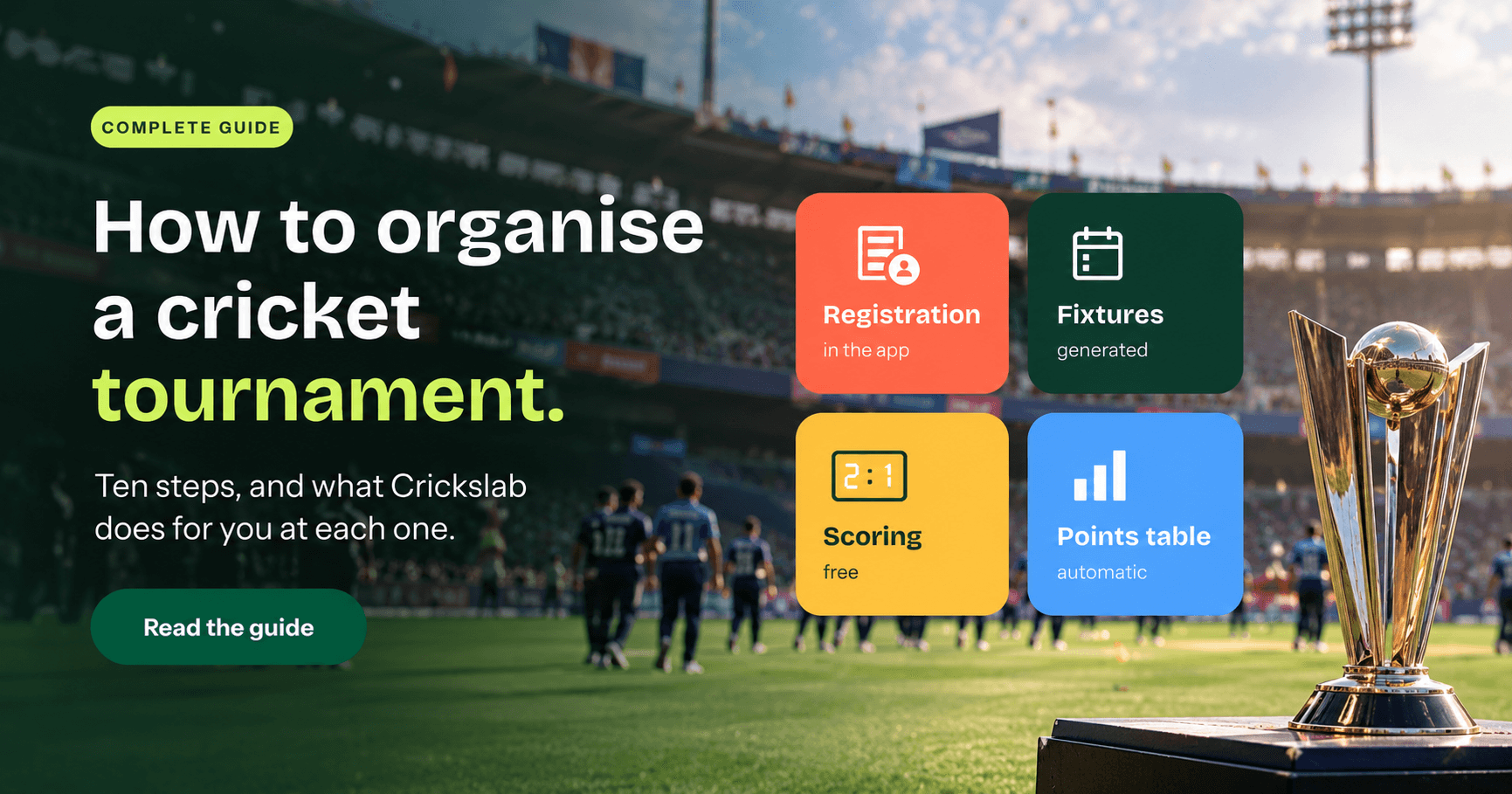
How to organise a cricket tournament in ten steps, and how Crickslab handles registration, fixtures, live scoring, the points table and results posts for you.
For league & Tournament operators
How to Organise a Cricket Tournament with Crickslab
The Complete Guide from First Idea to Final
Someone in the WhatsApp group says “we should run a proper tournament this year”, twenty people say yes, and one person ends up doing it.
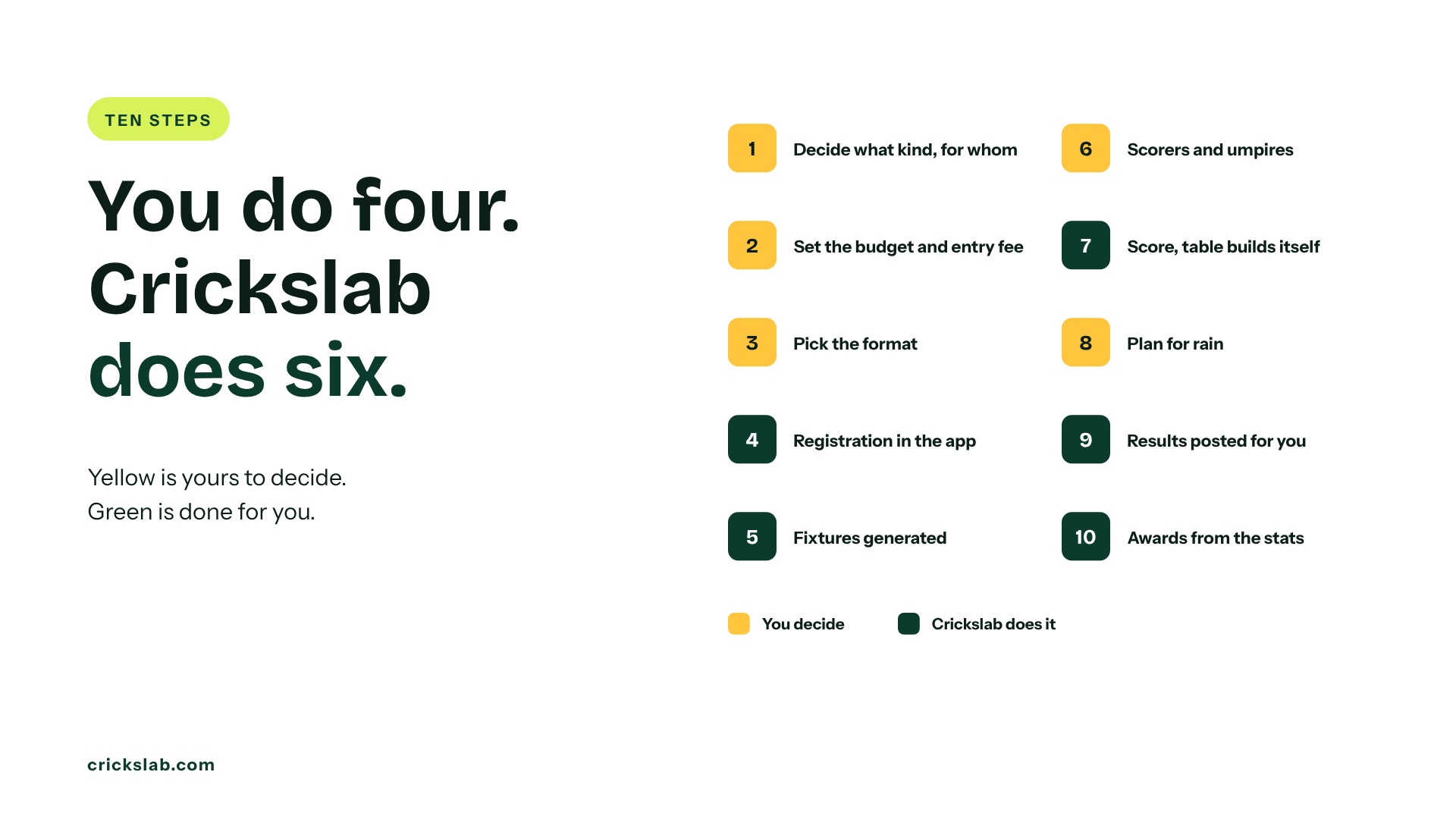
If that person is you, this is how to organise a cricket tournament in ten steps, from first idea to final. At each step we show what you decide yourself and what Crickslab does for you, because half the work in a tournament is typing, chasing and recalculating, and none of that needs a human.
Kuwait Cricket Club ran 99 matches on Crickslab in 2026, around 30 on a busy weekend, following these same steps.
Step 1: Decide What Kind Of Tournament It Is
This step is yours. Who is it for: clubs, companies, a school, or anyone who pays? What ball and format: tape ball T20 on weekends, or hard ball 40 overs? A tournament that breaks even and comes back next year is a success. Pick a name that fits a poster and a trophy.
On Crickslab, the tournament becomes a competition under your own name, with its own logo, colours and public page, whether you are a club running one cup or an association running twenty.
Step 2: Set The Budget And Entry Fee
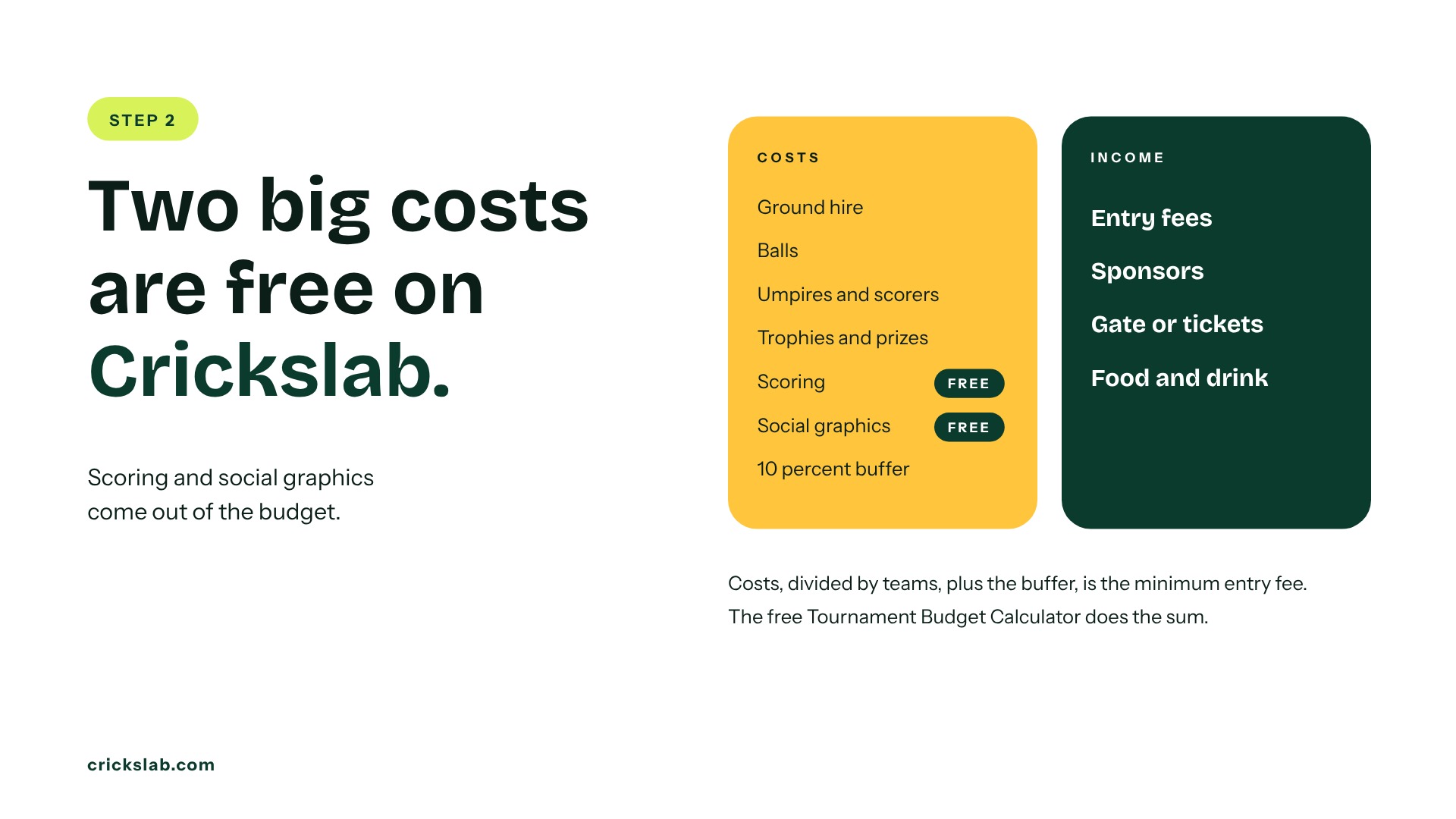
Most tournaments that fail, fail here. List the costs: ground hire, balls, umpires and scorers, trophies, graphics, streaming, first aid, and a 10 percent buffer. Divide by the number of teams for the minimum entry fee. If that is more than teams in your area pay, find a sponsor.
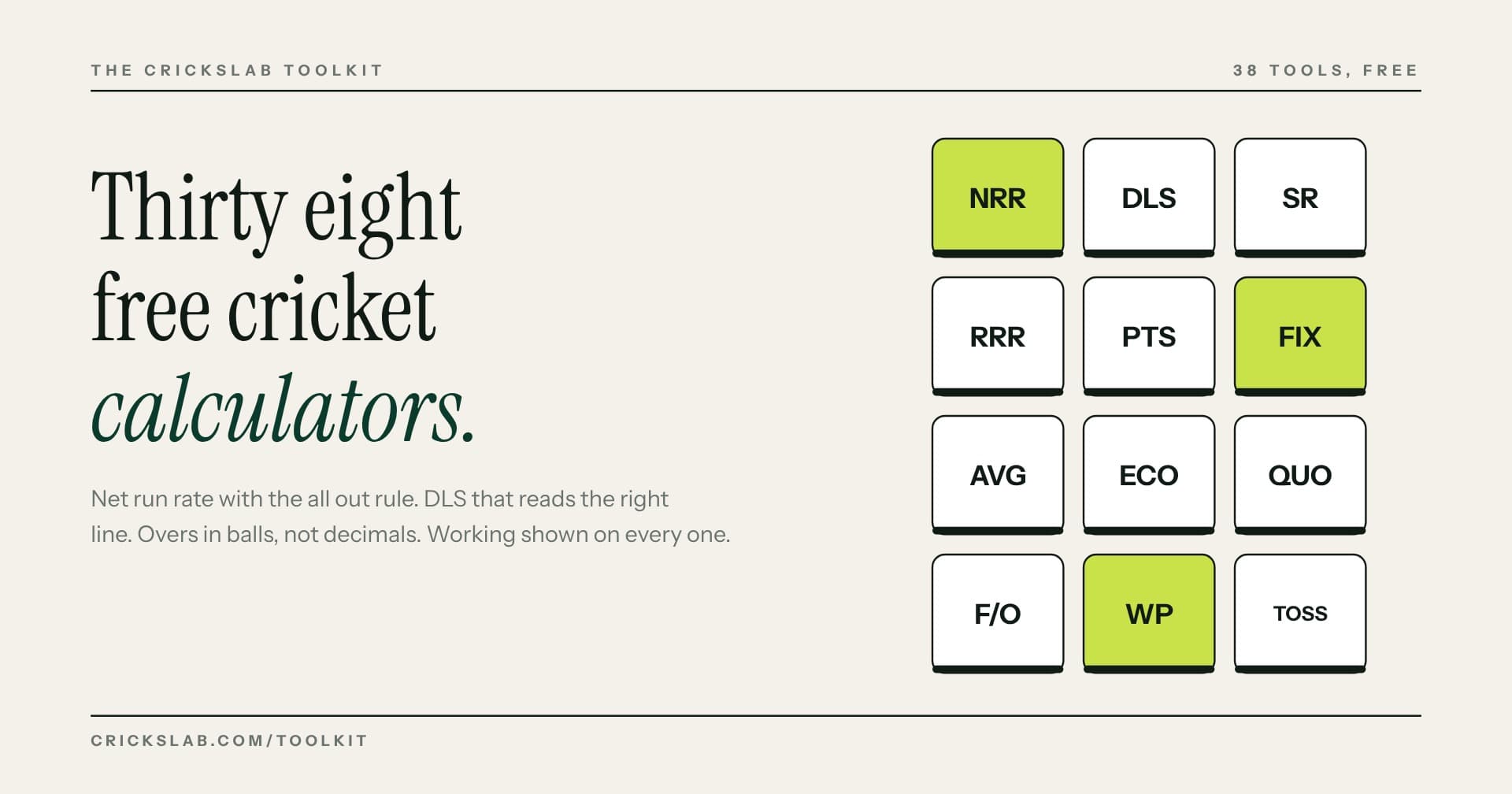
The free Tournament Budget Calculator does the sum. Two big line items, scoring and social graphics, cost nothing on Crickslab.
Step 3: Pick The Cricket Tournament Format
Your format depends on grounds, days, and daylight. Six to eight teams on one ground suits a round robin and a final. Ten to sixteen suits two groups, then semi finals. Twenty or more suits a knockout. A round robin needs N × (N − 1) ÷ 2 matches: eight teams is 28, twelve is 66.
The Tournament Format Planner suggests formats from your numbers. Crickslab includes round robin, groups, knockout, and league formats, so the fixtures, table, and bracket already know how to behave.
Step 4: Open Registration Once
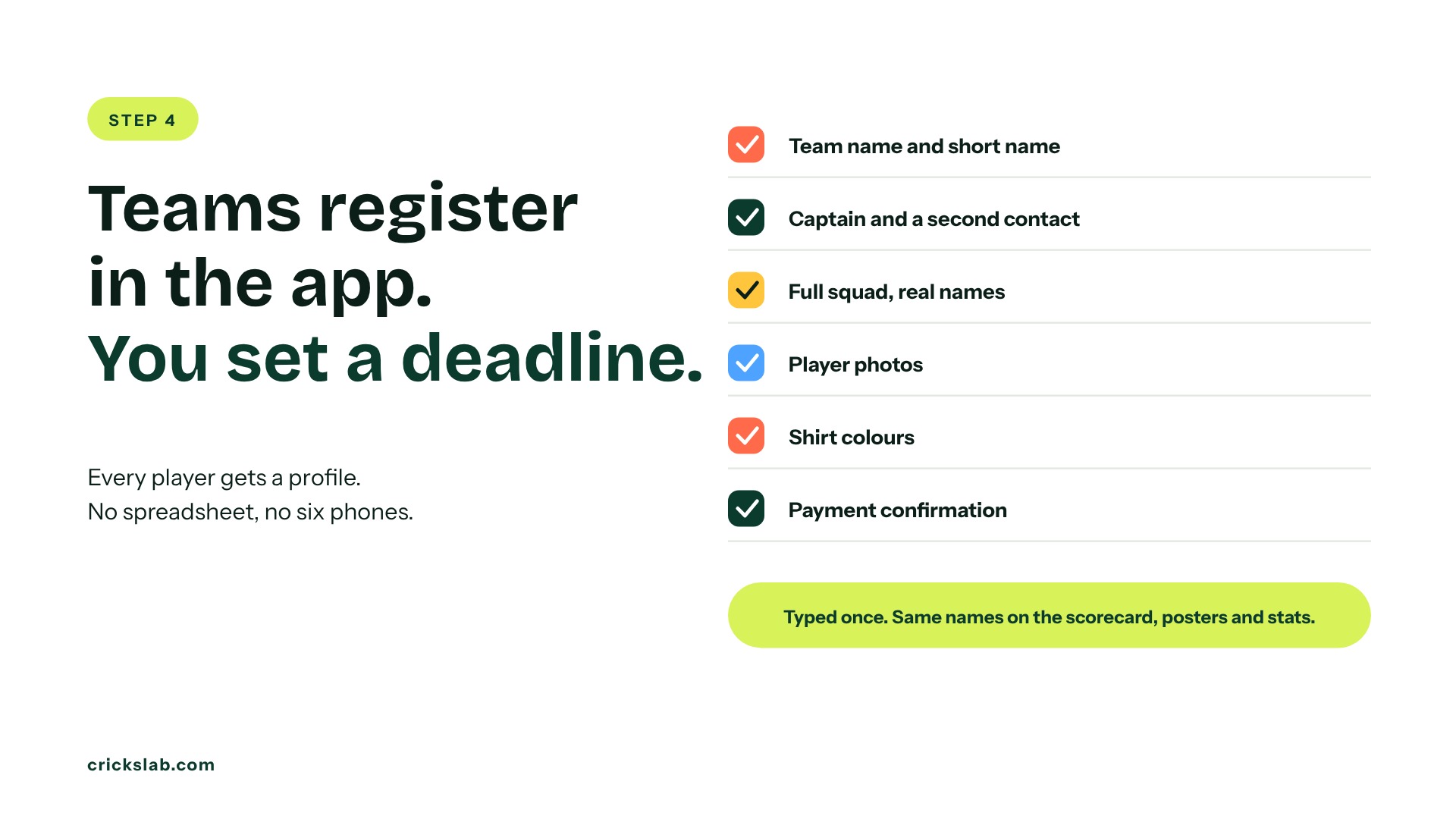
A cricket tournament registration form needs the team name, captain and a second contact, the full squad with real names, player photos, shirt colours and payment confirmation. Set a deadline and cap the squad.
This is the first step Crickslab takes off your hands. Teams register in the app, captains add squads, and every player gets a profile. The data lands in tournament management, so the names on the scorecard, the posters and the stats are typed once. No spreadsheet, no squad lists on six phones.
Step 5: Make The Fixtures
Fixtures cause more arguments than umpiring. Every team wants a fair mix of morning and afternoon slots, and everyone wants the list in one place.
On Crickslab, fixtures are generated inside the competition from the format you chose and published on the tournament’s Match Central page, the same page that carries live scores and the table. Change a slot and everyone sees it. For planning before the tournament exists, the free Fixture Generator builds the list in a minute.
Step 6: Find Scorers, Umpires And A Ground Team
You still need people. One scorer per match, two umpires if you can, a ground team for pitch, boundaries and water, and one named results person who closes each match.
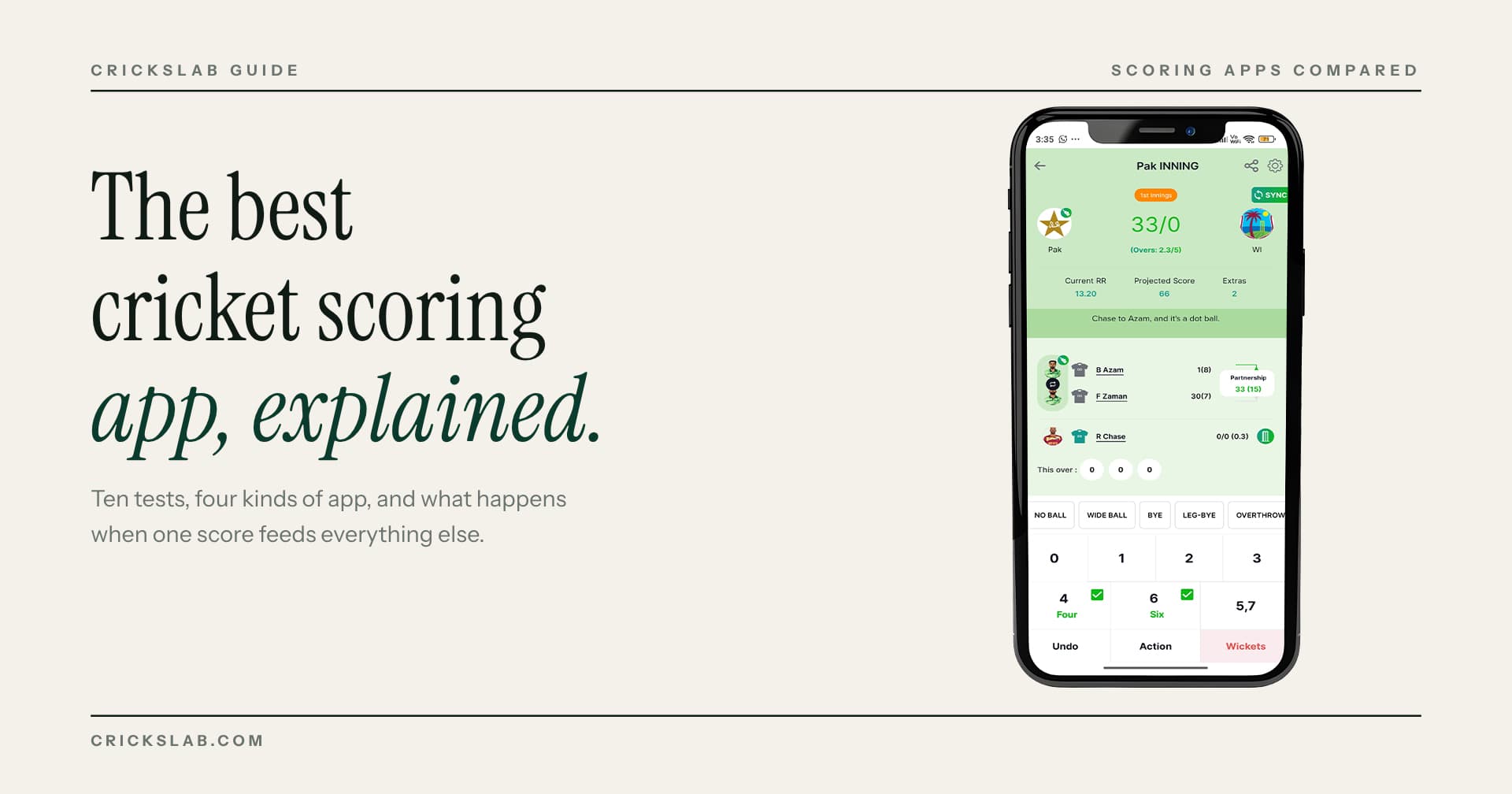
What changes is how little training they need. Scoring in the Crickslab app is free on iOS and Android, and a scorer who has done one practice match is ready; our guide to the best cricket scoring app covers what to test. The results person’s job is one tap: close the match, and everything downstream updates.
Step 7: Score Every Ball And Let The Table Build Itself
This is where a tournament run on Crickslab feels different from one run on paper and WhatsApp.
Every ball is scored live on a phone, and anyone with the link can watch the scorecard on Match Central without downloading anything. At the last ball, the scorecard is complete, every player’s figures are added to their profile, and the points table moves on its own.
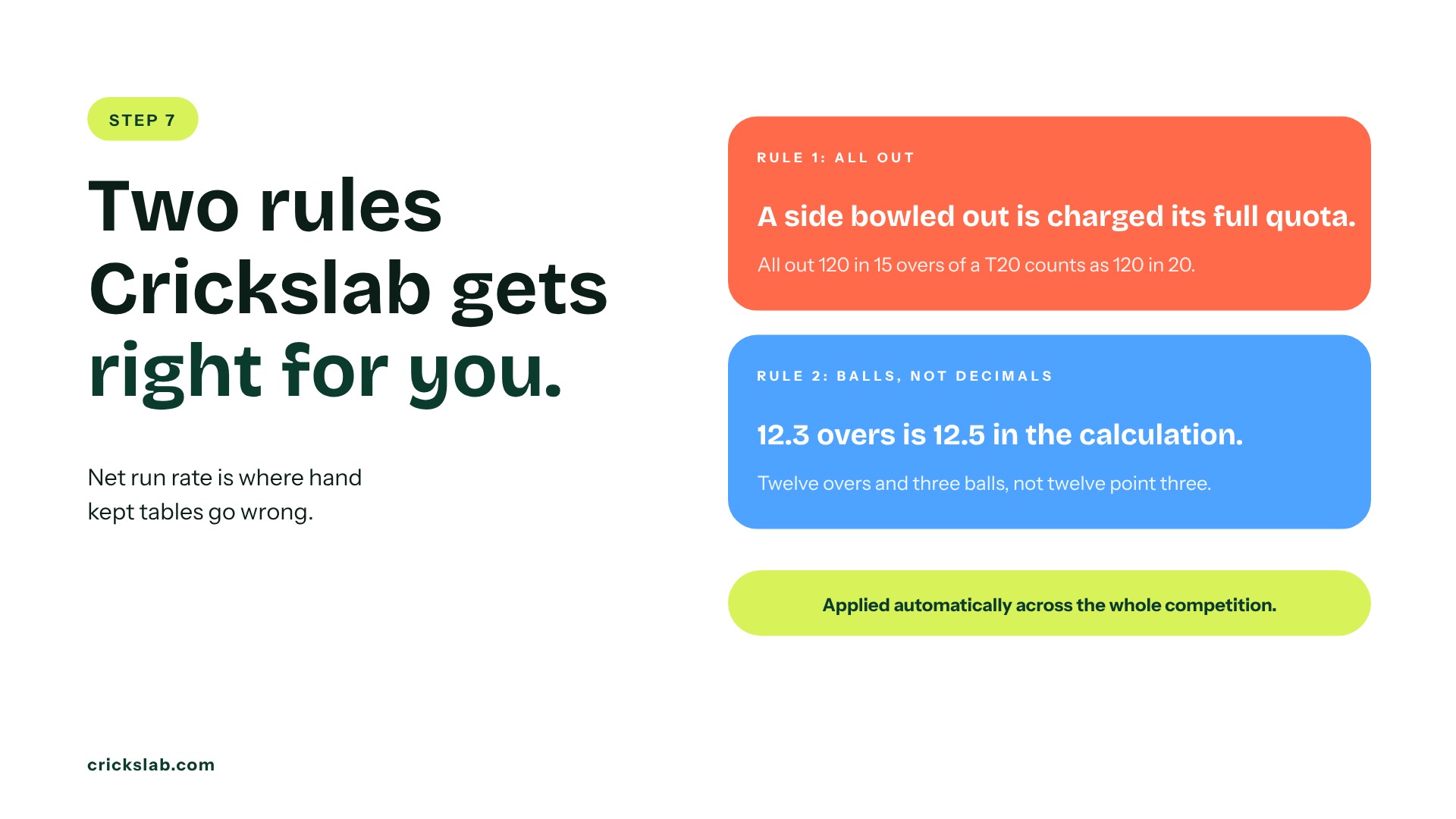
Net run rate is where hand kept tables go wrong. A team bowled out is charged its full quota of overs, and 12.3 overs is 12.5 in the calculation, not 12.3. Crickslab applies both rules automatically across the whole competition, so semi final places are decided by the maths, not by whoever held the spreadsheet. Write your tie breakers down before the first match. To check a table by hand, the Net Run Rate Calculator is free.
Step 8: Plan For Rain Before It Rains
Decide now: minimum overs for a result, whether reduced matches use DLS, what a washout earns, and whether the final has a reserve day. On the day, the DLS Calculator gives revised targets, and a reduced match is scored in the app like any other, so the table still updates correctly.
Step 9: Stream What Matters And Post Every Result
A tournament nobody outside the ground can see cannot find a sponsor next year.
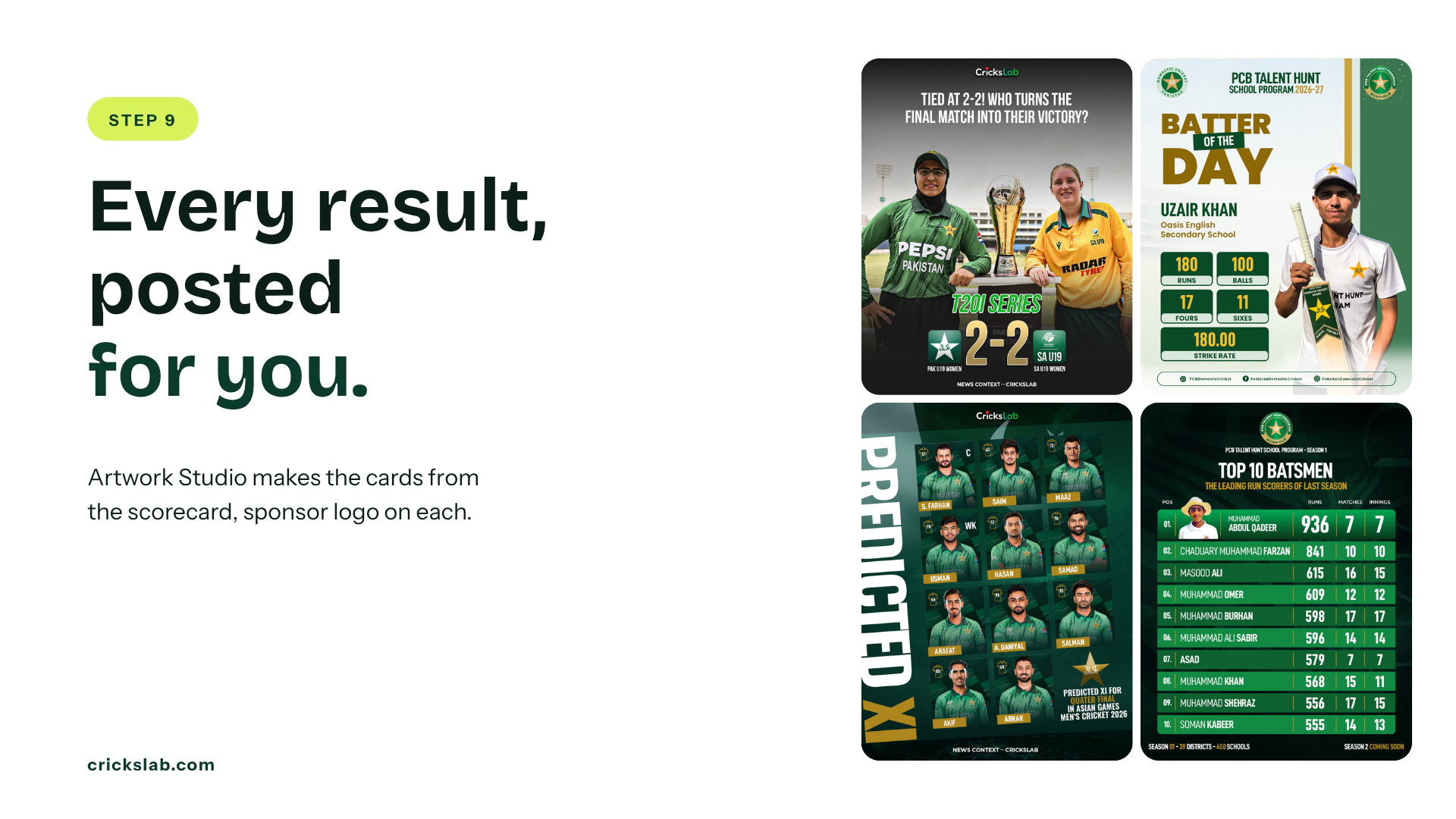
Posting is the part organisers drop by week three, because someone has to make the graphics. On Crickslab, Artwork Studio makes the match day card, the result, the player of the match and the updated table from the scorecard itself, with your logo and your sponsor’s on every one, and can post them when the match closes. A sponsor’s logo on every result is worth more to them than a banner at the ground.
For streaming, a phone on a tripod is enough for a group match, and the score overlay comes from the scorer’s app, so one person can run it. See live streaming and graphics for the setup.
Step 10: Prizes, Records And Season Two
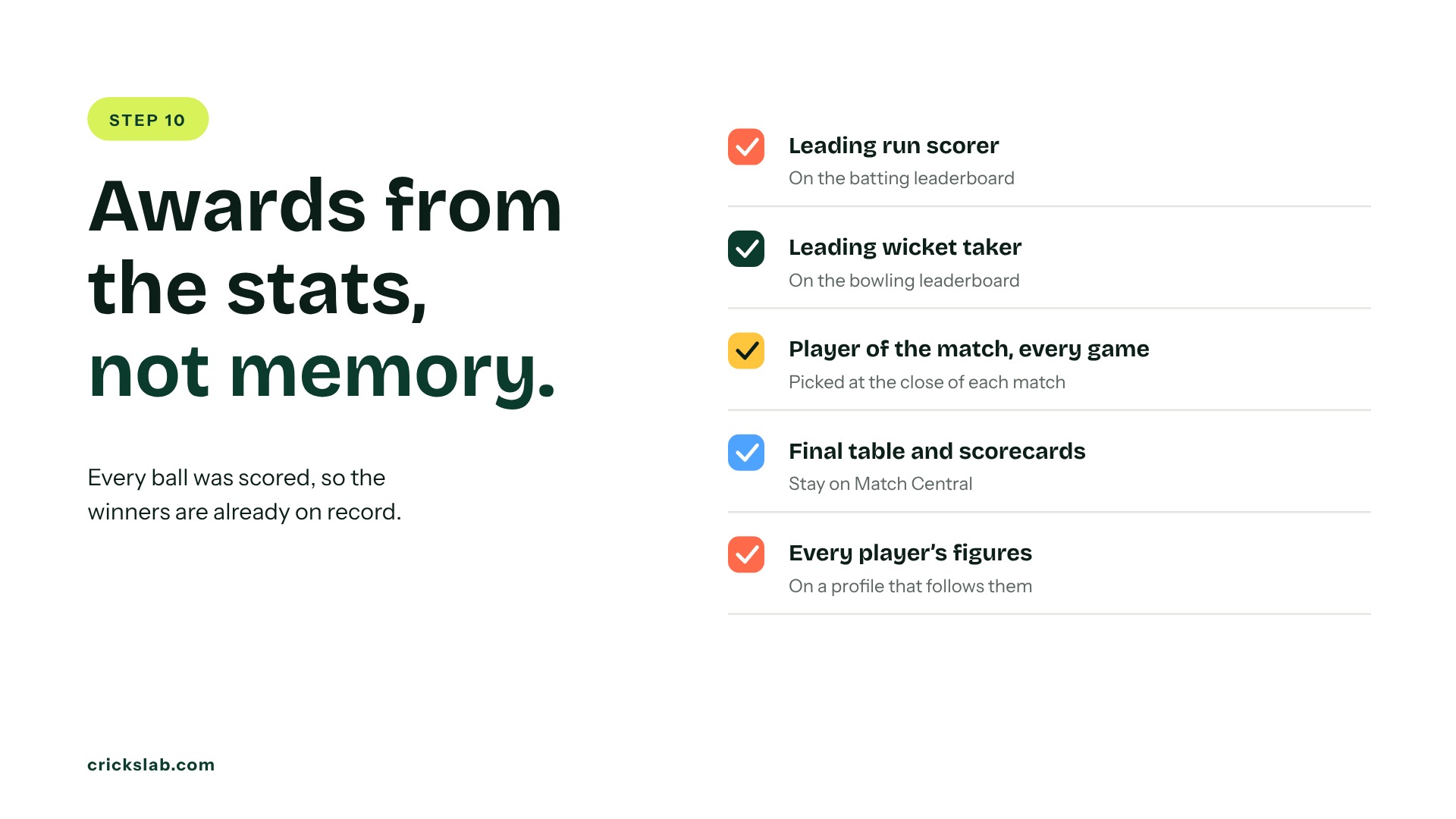
Trophies for winners and runners up, medals for every finalist, and individual awards decided from the stats, not memory. Because every ball was scored, the leading run scorer, the leading wicket taker and every player of the match are already on record.
The records stay. Scorecards, the final table and every player’s figures live on Match Central and on player profiles that follow players into next season. That record is why teams come back, and it is what you show the sponsor: matches played, posts made, views.
How To Organise A Cricket Tournament In Eight Weeks
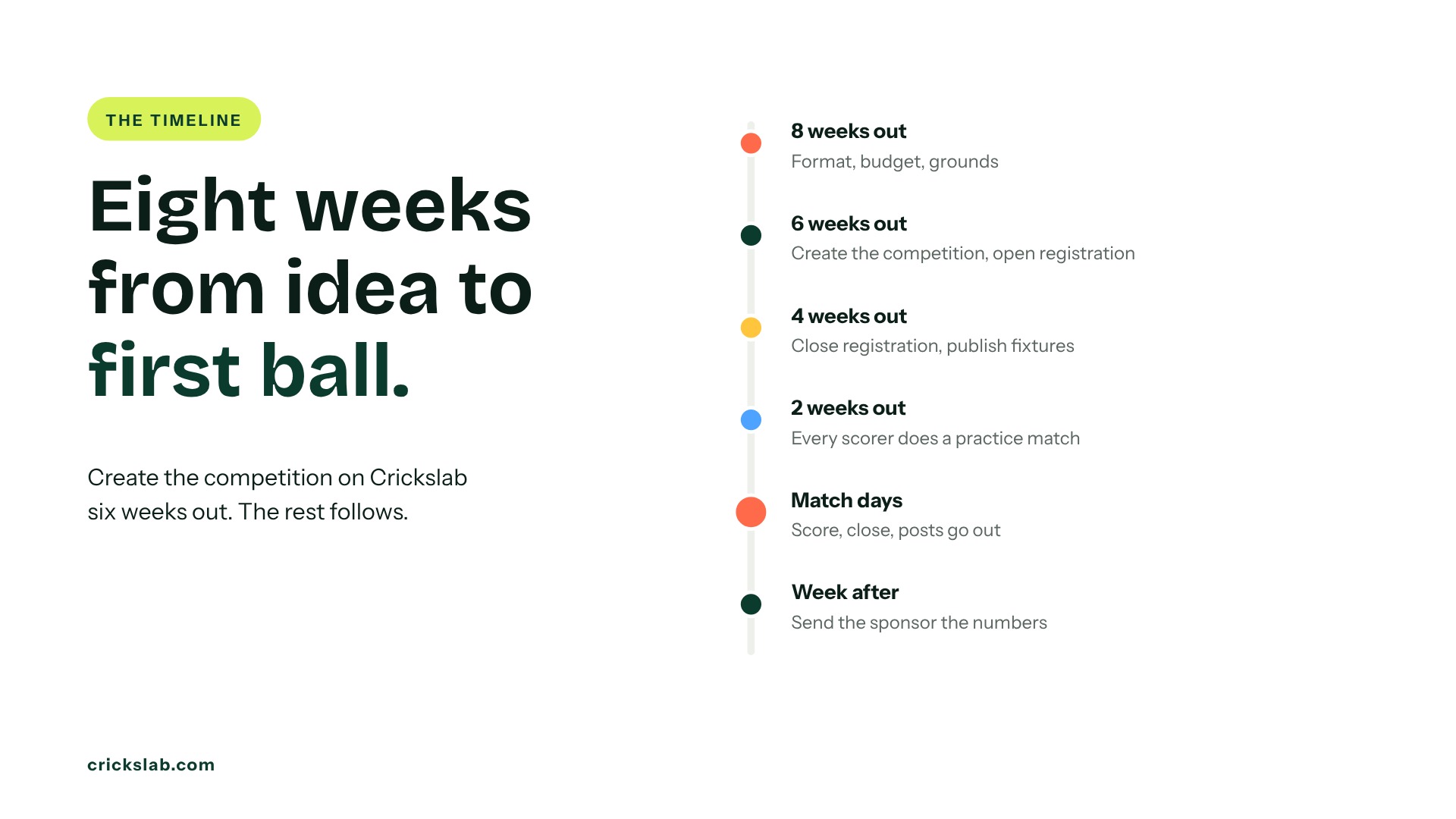
Eight weeks out, fix the format, budget and grounds. Six weeks out, create the competition on Crickslab, announce it and open registration. Four weeks out, close registration and publish fixtures. Two weeks out, confirm umpires and have every scorer do one practice match. Match weekends, score, close and let the posts go out. The week after, send the sponsor the numbers and book next year’s grounds.
Who this works For
A club running one cup, a company league, a school festival, or an association running a full season under its own brand. The Qatar Cricket Association and the Pakistan Cricket Board run competitions on the same platform Kuwait Cricket Club uses for a weekend T10. Read how Kuwait Cricket Club went digital.
Start with the free Tournament Format Planner, then book a demo and we will set up your competition with you before registration opens.
Frequently asked questions
How do you organise a cricket tournament?
Decide who it is for, set a budget and entry fee, pick a format that fits your grounds, open registration once, publish fixtures, find scorers and umpires, score every ball so the table builds itself, plan for rain, post every result, then hand out prizes and publish the records.
What does cricket tournament management software do?
It replaces the spreadsheet and the WhatsApp group with one system: registration, fixtures, live scoring, a points table with correct net run rate, a public competition page, result graphics and player records. On Crickslab, all of it runs from the scorer’s phone.
Can I organise a cricket tournament for free on Crickslab?
Scoring, the live scorecard link, player profiles and all 38 toolkit calculators are free. Running the whole competition under your own name, with registration, fixtures, Match Central, graphics and social posts, is part of the tournament management plans.