Best Cricket Scoring App
What makes the best cricket scoring app? Ten tests to run, who needs which kind, what should be free, and how one score feeds a scorecard, table and stream.
For Scorers
Best Cricket Scoring App in 2026: How to Choose the Right One
What to Look For, Who Needs One and How to Choose
Sunday, 4:40 in the afternoon. The match ended twenty minutes ago and the captains are still arguing about the scorebook.
Somebody’s fifty is written as 48. Two overs are missing from a bowler’s figures. The points table will be wrong by Tuesday, and the league secretary will spend the evening fixing it.
Every weekend, this happens on thousands of grounds. And every weekend, a phone in somebody’s pocket could have stopped it.
This guide is about finding the best cricket scoring app for the cricket you play. Not the app with the most downloads. The one that fits a gully game, a club season, a 40 team tournament or a national board. We explain the four kinds of scoring app, give you a ten point test to run before your season starts, and show what happens when one score feeds everything else.
What is a Cricket Scoring App?
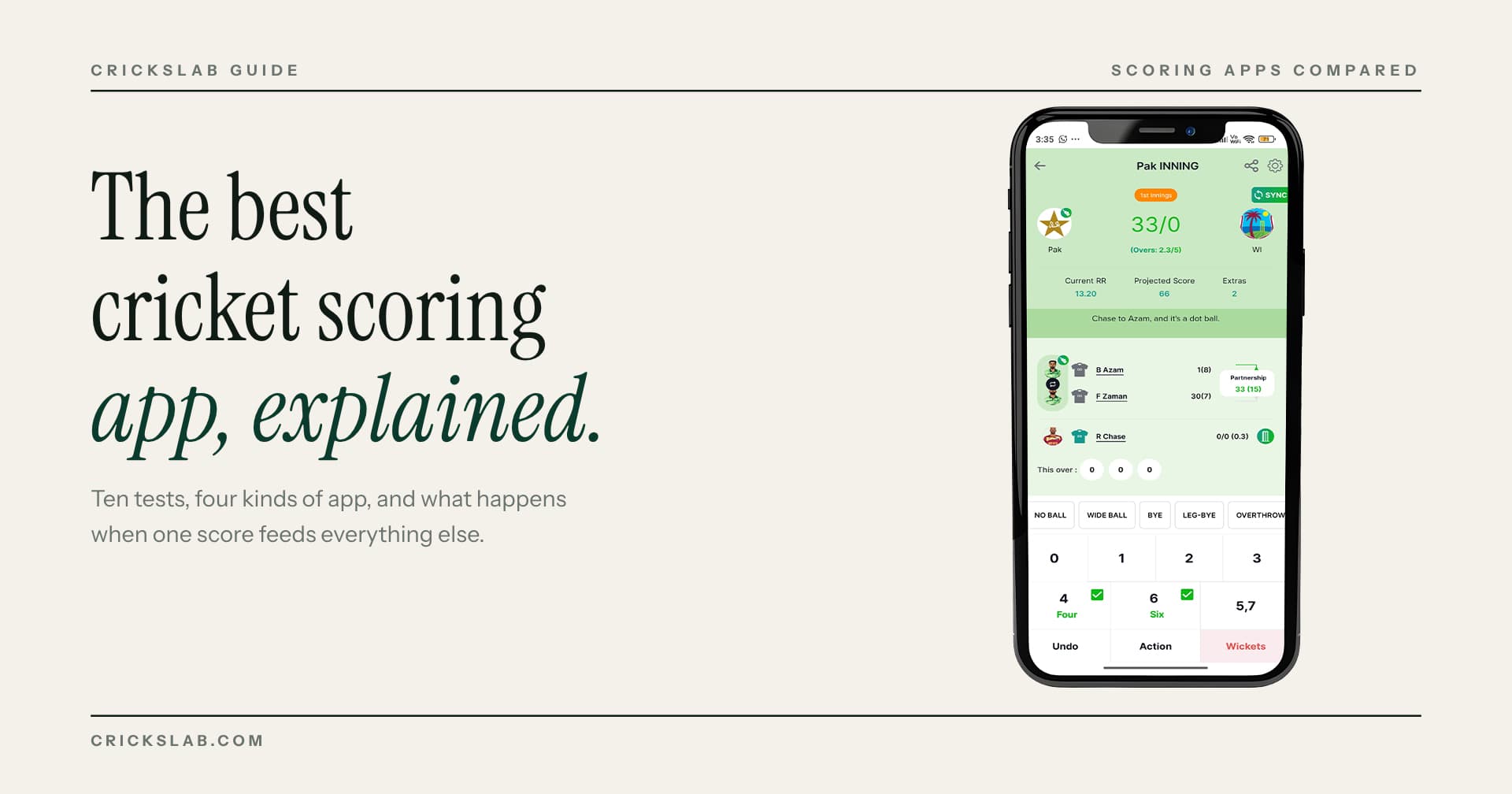
A cricket scoring app is a digital scorebook. You enter each ball as it happens, and the app does everything a paper book does and more: totals, overs, run rate, partnerships, fall of wickets, and full batting and bowling figures.
The best cricket scoring app also does three things paper cannot. It shares a live scorecard link anyone can open. It keeps every player’s figures across matches, so a season record builds on its own. And it feeds other things from the same score: a points table, a live stream graphic, a social media post.
Scoring App or Live Score App? They are Not the Same Thing
People mix these up, and the search results do too.
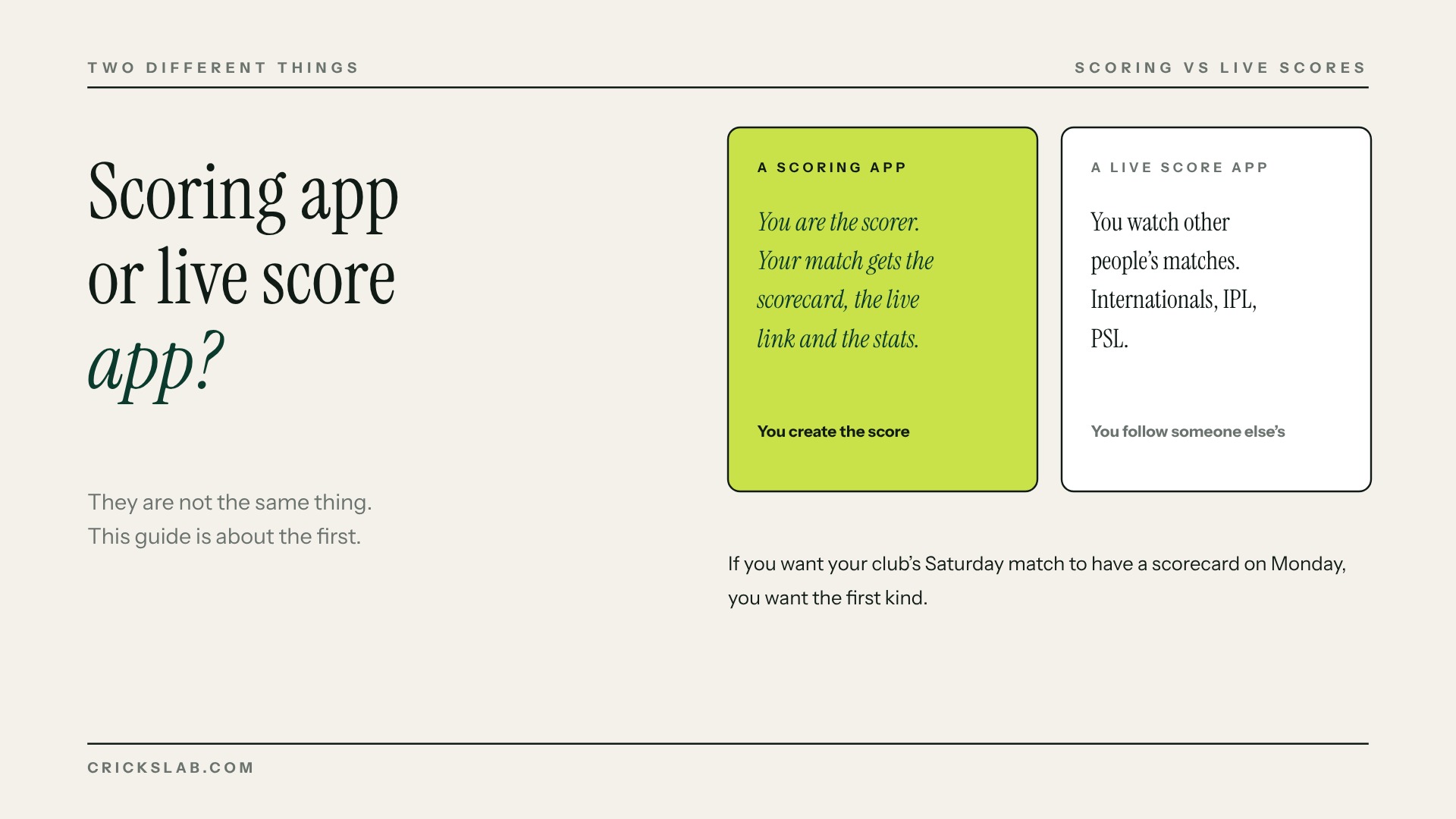
A live score app shows you other people’s matches. International, IPL, PSL. You watch.
A cricket scoring app lets you create the score for your own match. You are the scorer. Your match gets the scorecard, the live link and the stats.
If you want to follow the T20 World Cup, you want the first kind. If you want your club’s Saturday match to have a scorecard that exists on Monday, you want the second. This guide is about the second.
Who Actually Needs a Cricket Scoring App
Six different people search for this, and they need six different things.
Gully and tape ball players want to open the app, score, and share the link in the WhatsApp group. Speed and zero setup.
Club scorers want an app that handles two innings, follow ons, retired hurt, penalty runs and all the odd things that happen in a real match, and never loses the score.
Club committees want player records that survive from season to season, so the annual awards are not guesswork.
League and tournament organisers want every match to feed one points table, with net run rate calculated properly, and a public page for the whole competition.
Academies and coaches want a player’s figures to build into a profile they can use for selection and for showing parents.
Associations and boards want all of the above across twenty or more competitions, under their own name, with the data staying theirs.
The best cricket scoring app for a gully game is not the best one for a board. Keep that in mind through the comparison.
Ten Things the Best Cricket Scoring App Must Do
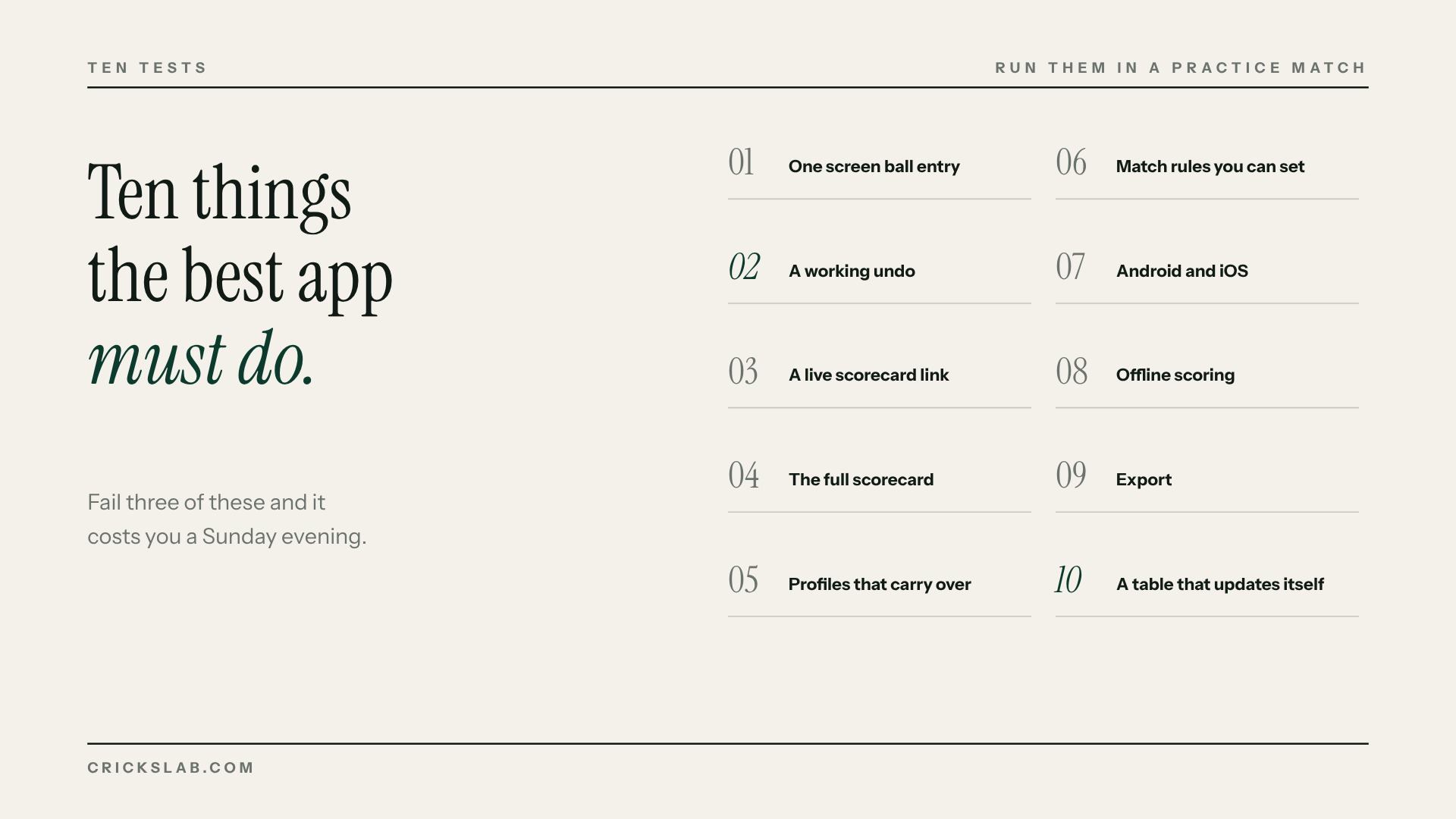
Run these ten tests in a practice match before your season. Any app that fails three of them will cost you a Sunday evening later.
- One screen ball entry. Runs, extras, wickets and the next ball without leaving the screen. If a dot ball takes two taps, a 40 over innings is 480 taps too many.
- A working undo. Not just the last ball. The last three. Scorers make mistakes when the umpire signals late.
- A live scorecard link. Spectators should open a link, not download an app.
- The full scorecard. Batting, bowling, fall of wickets, extras, partnerships. Not a summary.
- Player profiles that carry over. A player’s runs this week should add to last week’s.
- Match rules you can set. Overs per bowler, balls per over, wides that count as a ball, last man stands. Local cricket has local rules.
- Android and iOS. Your scorer has one, the opposition’s scorer has the other.
- Offline scoring. Many grounds have no signal. The app should keep scoring and sync when the signal returns.
- Export. Your scorecards and stats should come out as a file if you ever leave.
- A points table that updates itself. For leagues, this is the whole point. When the last ball is scored, the table should already be right, including net run rate with the all out rule.
Wagon wheels, Manhattan charts and MVP points are nice. None of them matter if undo does not work.
The Four Kinds of Cricket Scoring App
Every scoring app on the stores falls into one of four kinds. Knowing which kind you are looking at saves most of the comparison.
Casual scoring apps
Free, quick to set up, often with no login. You open them, score, and share a link. Many work offline and let you set house rules. They are right for a Sunday game with friends. They are not built to run a season: player records are thin, there is no competition page, and nothing feeds a stream.
Community scoring apps
Free scoring plus a large network of players, teams and umpires, with leaderboards and charts. They are strong where the community is strong. Streaming, highlights and premium stats are usually paid add ons, and the app’s brand sits on top of your cricket, not yours.
Board affiliated apps
In some countries, the national board runs its own scoring app for affiliated clubs. They are free and feed the board’s own competition system. Outside that structure, for private leagues, academies, schools and tournaments, they are not an option.
Ecosystem platforms
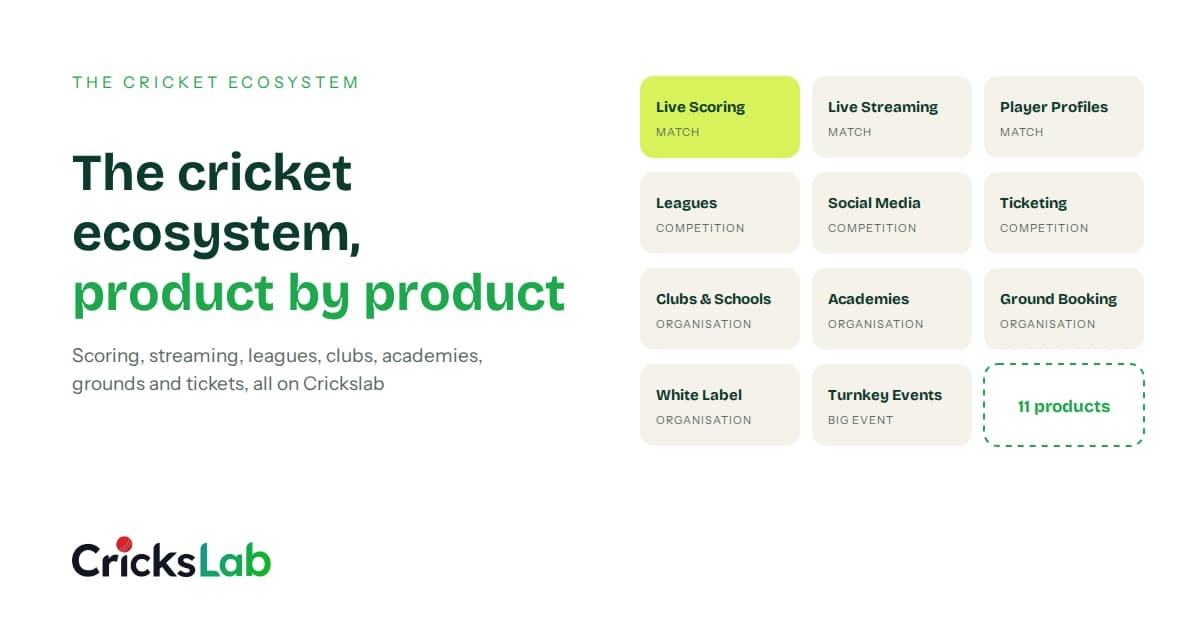
Scoring is one part of a larger system. The same ball by ball record drives the public match centre, the points table, the stream graphics, the social posts and the player profiles. Boards and leagues can run the whole thing under their own name. This is the kind that suits anyone whose matches feed a season.
Crickslab is an ecosystem platform. Scoring in the app is free on iOS and Android, with T20, T10, one day and custom formats, wagon wheels, pitch maps, and AI generated commentary. Every match gets a public scorecard on Match Central, and every ball adds to a player profile. The same score drives live stream graphics, the points table in tournament management, automatic social posts from Artwork Studio, and a white label app for boards and leagues.
That is why Kuwait Cricket Club scores around 30 matches a weekend on it, and why the Qatar Cricket Association and the Pakistan Cricket Board run competitions on the platform. Read how Kuwait Cricket Club went digital.
Where an ecosystem platform is heavier: if you want to score one gully match and never think about it again, a casual app will feel quicker on day one.
The Best Cricket Scoring App for Your Situation
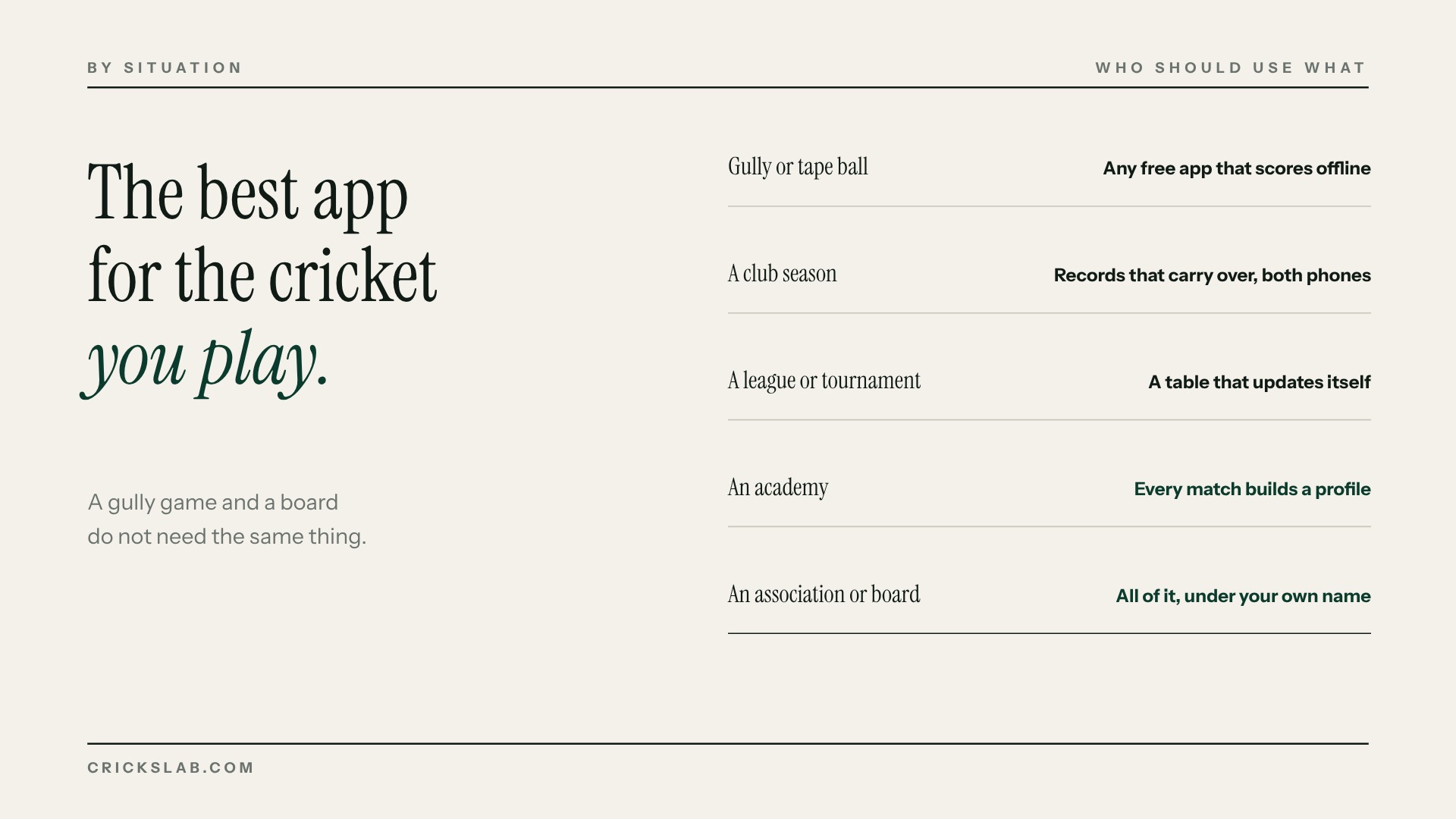
For a gully or tape ball game: any free app that scores offline and shares a link. Crickslab does it in under a minute of setup, and the scorecard is still there next season.
For a club season: you need player records that carry over and an app on both phones. If you also stream the odd final, you need the graphics to come from the same score. That is Crickslab.
For a league or tournament: you need a points table that updates itself and a public page for the competition. If you are affiliated to a board that runs its own app, use that. Otherwise, Crickslab’s tournament management.
For an academy: you need every match a player plays to build a profile a coach can read. Crickslab, because the scoring, the profile and the academy tools are one system.
For an association or board: you need all of it under your own name, with your own data. Crickslab’s white label platform. See how Qatar cricket went digital.
Free Or Paid: What You Are Actually Paying For
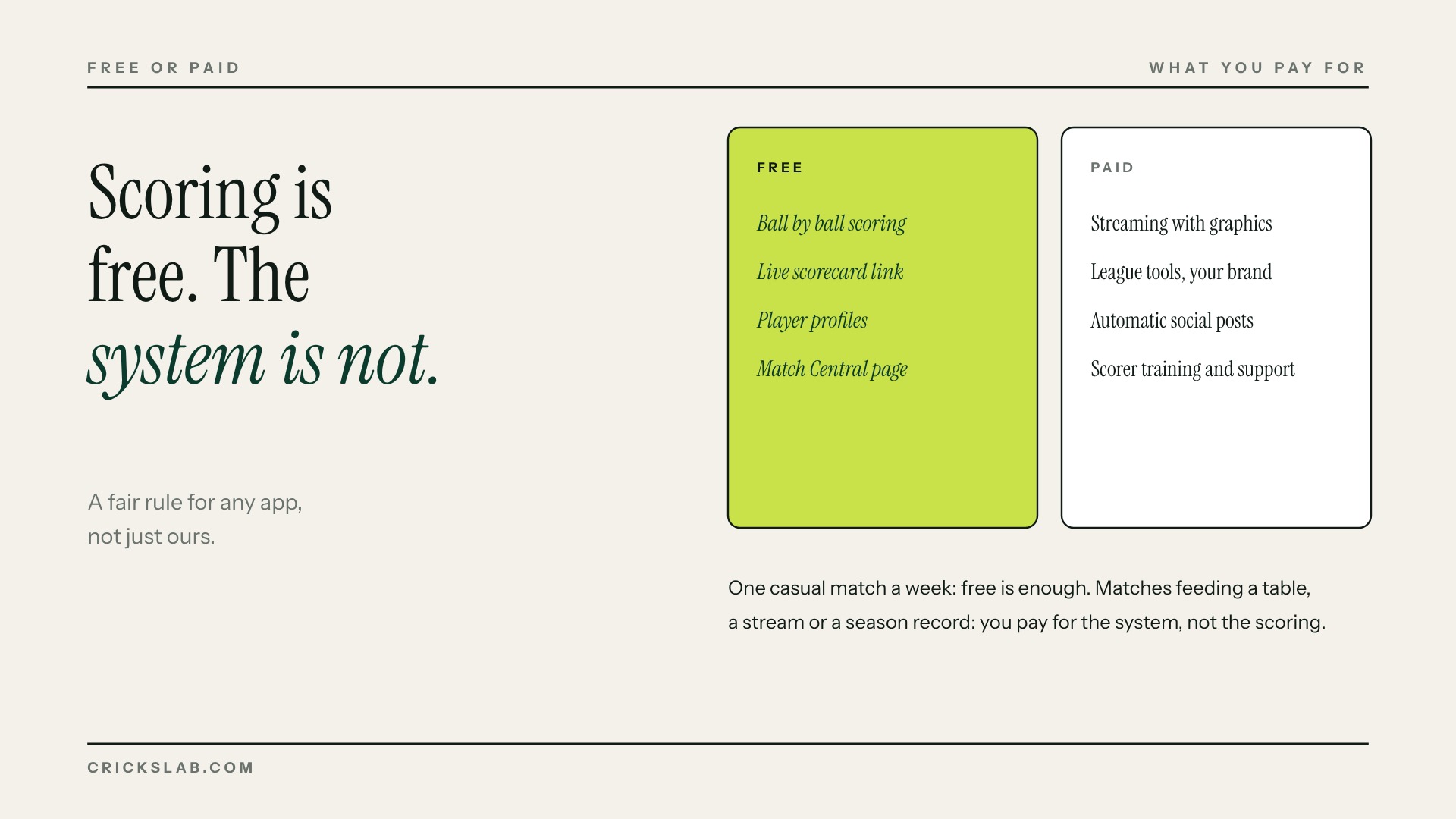
Scoring itself should be free. On Crickslab it is, and on most good apps it is too.
What costs money is what sits around the score:
Streaming with graphics on screen. Crickslab broadcaster plans start at $29 a month on the broadcast pricing page. League and association tools under your own brand. Automatic social media posts. Support and training for your scorers.
A fair rule: if you score one casual match a week, free is enough. The moment matches feed a league table, a stream or a season record, you are paying for the system, not the scoring.
How To Score A Cricket Match On Your Phone
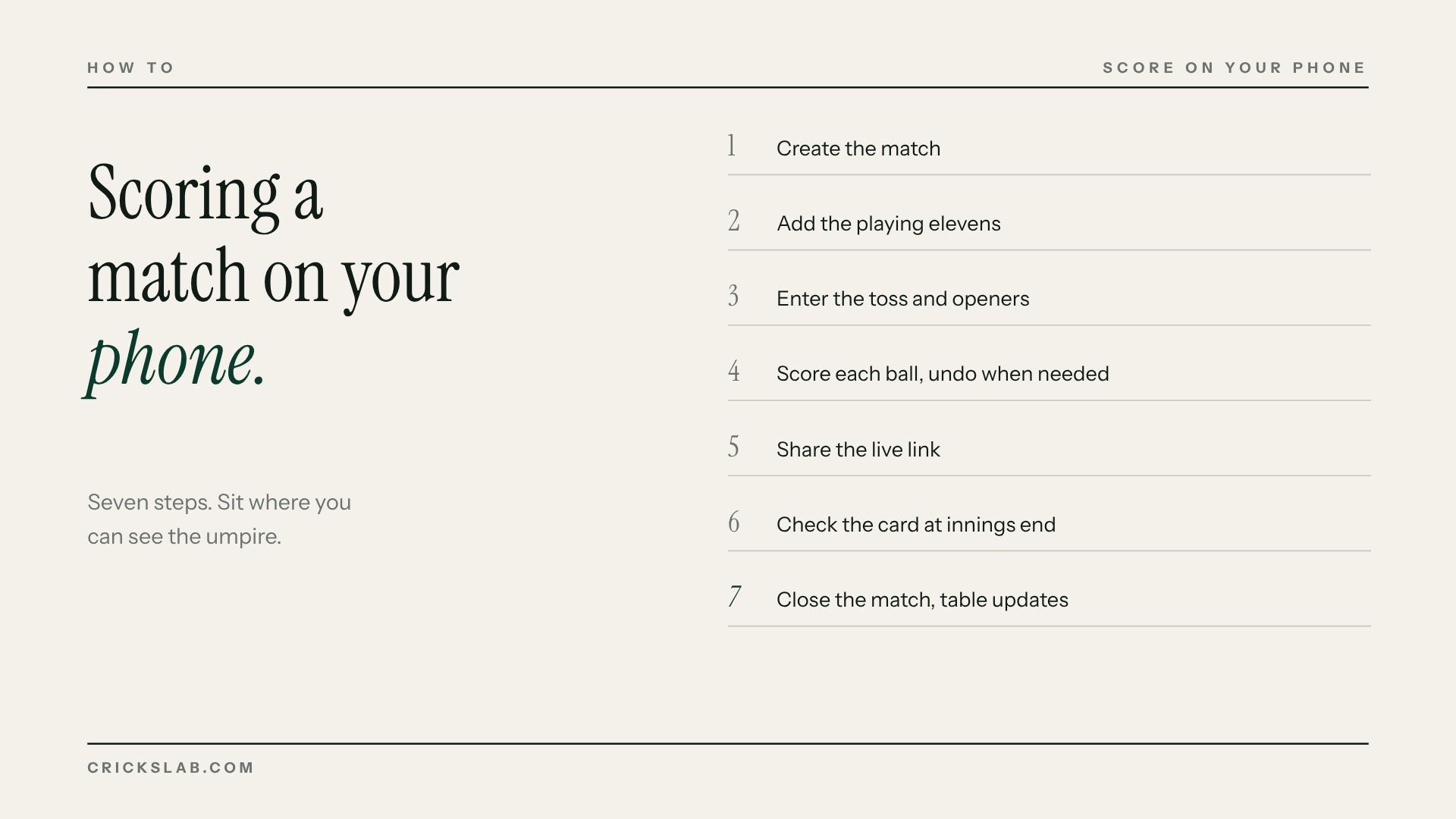
If you have never scored on an app, this is the whole job.
1. Create the match: teams, format, overs, ground.
2. Add the playing elevens, or pick them from saved squads.
3. Enter the toss and the openers.
4. Score each ball: runs, extras, wickets. Use undo when the umpire changes a signal.
5. Share the live link in the team group.
6. At the end of each innings, check the card against the umpires.
7. Close the match. The scorecard is published, player stats update, and the points table moves.
One tip that saves arguments: score from where you can see the umpire’s signals, not from the boundary with your back to the square.
From One Match To A Whole Season
This is where the best cricket scoring app separates from the rest.
A single match needs a scorecard. A season needs every match to feed one place: a league page with fixtures, results, standings and leaderboards. The points table has to update when the last ball is scored, and net run rate has to be right, including the all out rule that trips up most spreadsheets.
Test it before the season: score a practice match, then open the competition page. If the table did not move, the app is a scorebook, not a league system. Our free cricket calculators cover the maths if you need to check a table by hand.
The Scoring App Is The Engine Of The Stream
If you stream matches, the score on screen comes from somewhere. On most setups it comes from a second person typing numbers into a graphics tool.
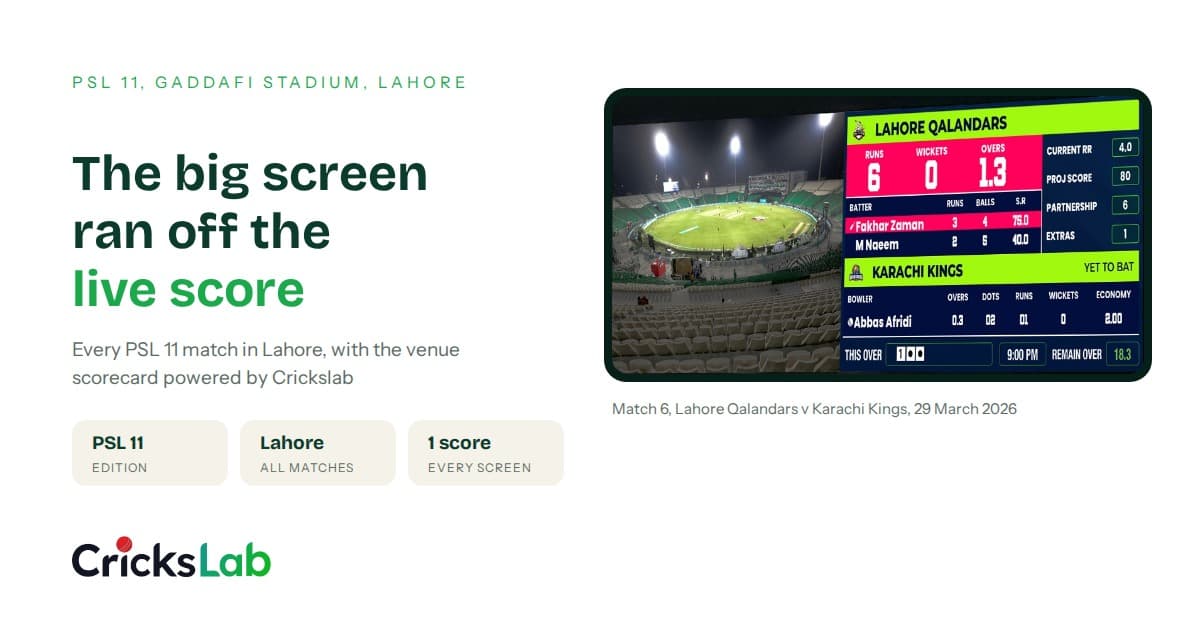
With the right scoring app, the scorer’s taps drive the score bug, the batter cards and the full time graphic directly. One person, one record, no retyping. That is how T Sports puts its cricket broadcast graphics on air and how PitchVision streams school cricket in South Africa.
If streaming is in your plans at all, choose a scoring app that already drives overlays. Bolting two systems together later never works cleanly.
Six Mistakes People Make When Choosing
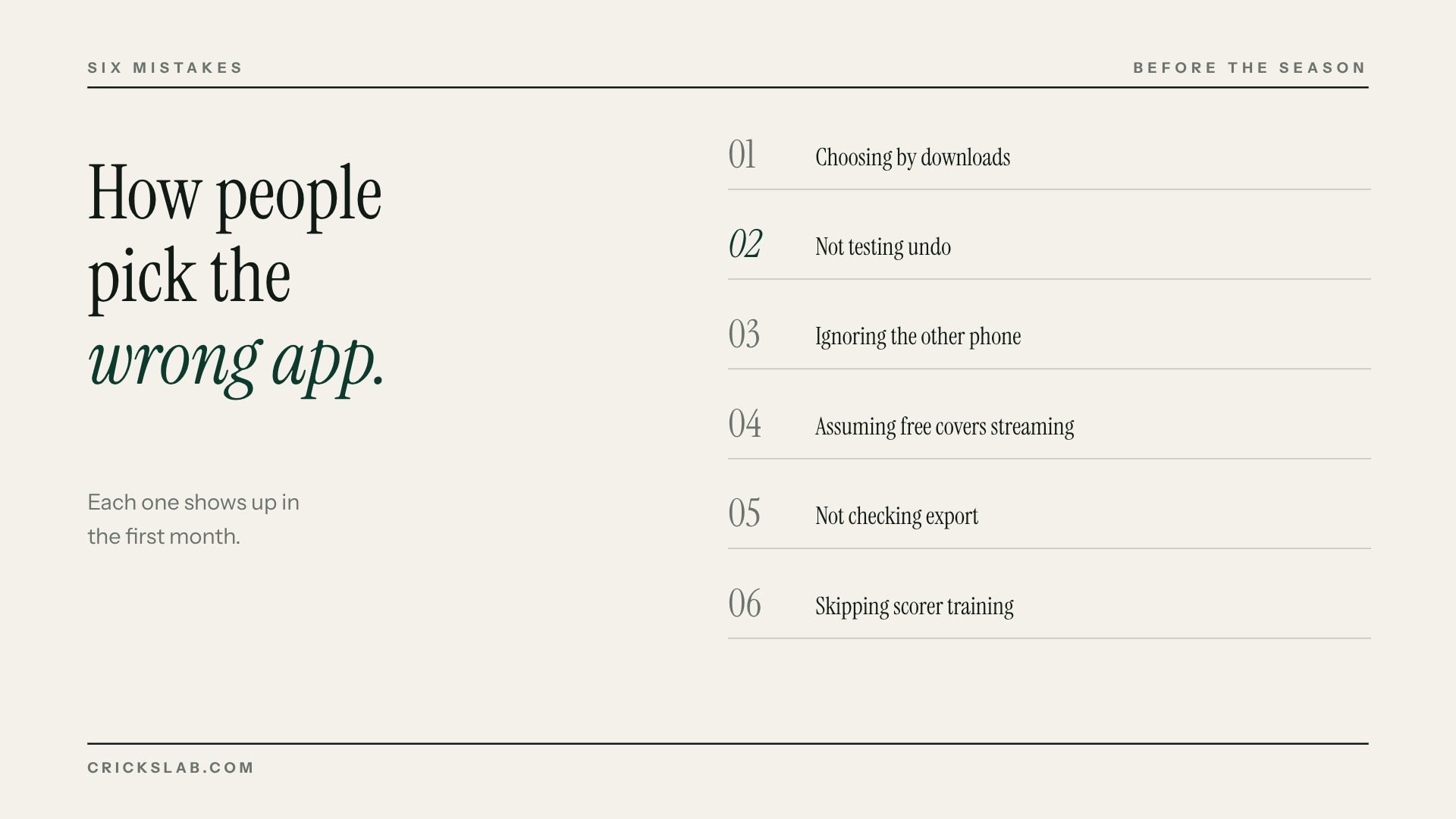
Choosing by downloads. The most downloaded app is built for the most common user, which may not be you.
Not testing undo. Score a practice match and deliberately make mistakes.
Ignoring the other phone. Check the app on both Android and iOS before the opposition’s scorer turns up with the wrong one.
Assuming free covers streaming. It almost never does. Check the price before the final.
Not checking export. Ask how you get your data out. If there is no answer, that is the answer.
Skipping scorer training. Thirty minutes in a practice match saves a season of corrections.
Scoring on Crickslab is free. Get the app from the store links on crickslab.com, score your next match, and see the scorecard, the player stats and the points table work themselves out. Running a league or a board? Book a demo and we will set up your competition with you.
Frequently asked questions
Which cricket scoring app is best?
It depends on the cricket. For casual matches, any free app that works offline and shares a link. For clubs, leagues, academies and boards that need season records, a points table and streaming, an ecosystem platform like Crickslab is the strongest choice because the scoring, Match Central, graphics and social posts run from one record.
Is there a completely free cricket scoring app?
Yes. Scoring on Crickslab is free on iOS and Android, including the live scorecard, Match Central page and player profiles. On most apps, streaming and league tools are the paid parts.
Do spectators need to download the app to see the score?
No. The best cricket scoring apps give you a live scorecard link that opens in any browser. On Crickslab that link is the match’s Match Central page.
Can a cricket scoring app work offline?
Some can. Check the offline behaviour of any app in a practice match at your own ground, because that is where the signal matters.
What is the best cricket scoring app for a tournament?
One where every match feeds a single competition page with a points table and net run rate that update automatically. Crickslab’s tournament management does this, and Kuwait Cricket Club runs around 30 matches a weekend on it.
Is there a cricket scoring app for PC?
Most scoring happens on a phone at the ground. For leagues and broadcasters who score from a laptop, Crickslab’s platform works in a browser as well as in the app.
How do I score a cricket match on my phone?
Create the match, add the teams, enter the toss, score each ball, share the live link, check the card at the end of each innings and close the match so stats and the points table update.