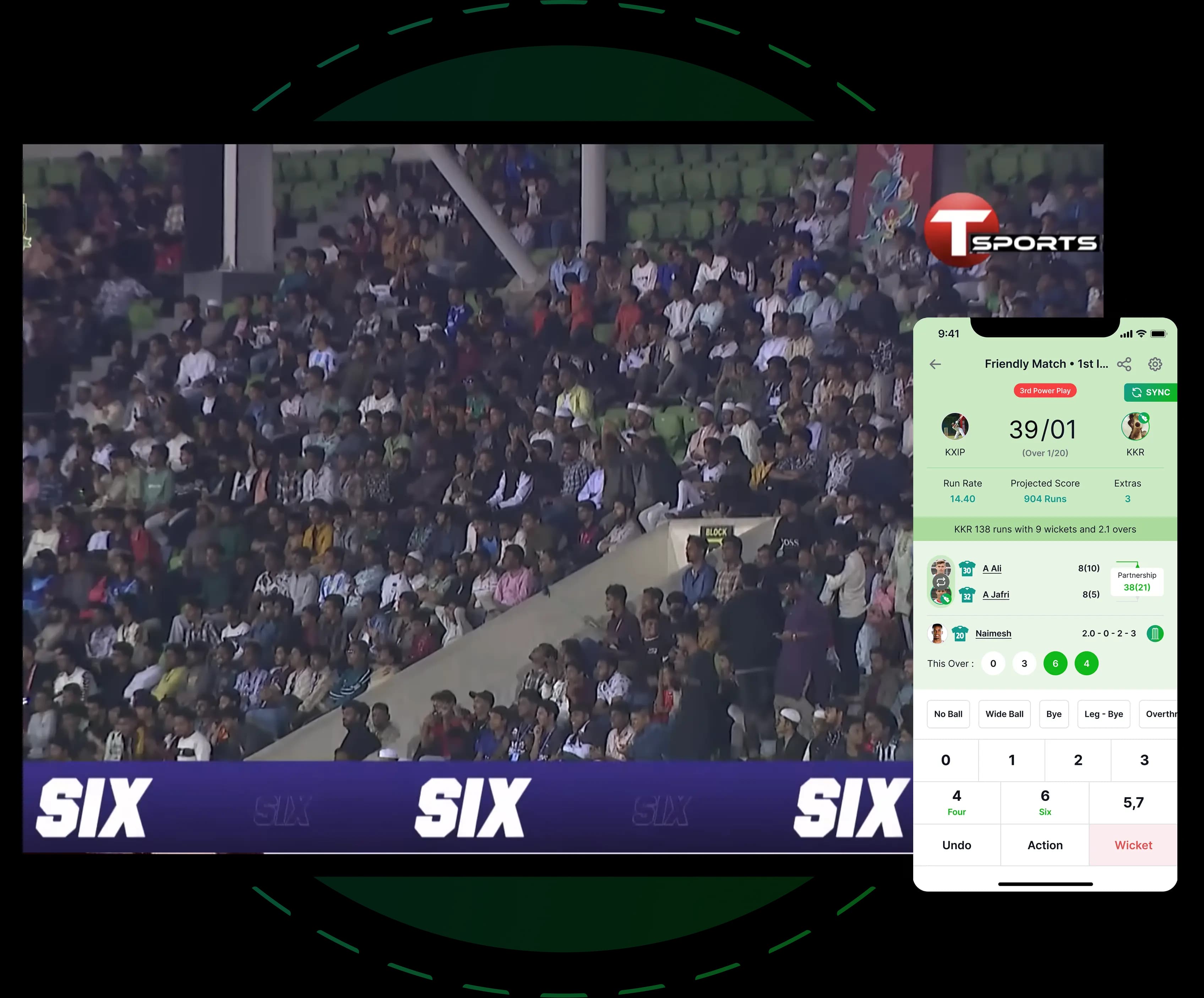
Autopilot: broadcast graphics driven by match events

Graphics Automation

Graphics Automation

Define the automation once and let the match run it. Autopilot reads the live scoring feed and puts the right graphic on air at the right moment, so the operator focuses on the cricket and the routine graphics never wait on a keystroke.

match events

Trusted by cricket boards, leagues and broadcasters

Powering thousands of cricket broadcasts across national boards, leagues and production houses in 14 countries.

From match event toon air

Every rule is a match event, a graphic and a timing. Autopilot handles the rest.

Event rules

Wicket, boundary, milestone, over end, review, drinks, innings break. Each maps to a graphic sequence you define.

Timing control

Hold, duration and return to score bug per rule, so a fifty gets its moment and a single does not.

Context aware

The same event can fire different graphics for a debutant, a captain or a record, from the player data in the feed.

Operator override

Take the desk at any point. Autopilot pauses, hands over and resumes when you release.

Set the rules in the afternoon, watch the cricket in the evening

Set the rules in the afternoon, watch the cricket in the evening

Autopilot is configured per production from a library of rule sets. Start from the Crickslab default for the format, adjust the timings and the sponsor slots, and save it as your own.

  • 1

    Rule sets per format · T20, one day and multi day defaults you can edit

  • 2

    Sponsor placement · attach sponsor frames to specific events, reported at the end of the match

  • 3

    Preview · run the rule set against a replay feed before the match

Broadcast quality at every level

The same graphics engine that runs on national television, sized to your production. Every step up buys a named capability, not a bigger number.

Autopilot is included with Broadcast and Network
Broadcaster

Club

$29/ month
Unlimited Matches

Pay per match

$4.99 / match

01
  • 3 graphic template families
  • Live scoring feed and ball by ball ticker
  • Standard overlay set
  • OBS, vMix and Wirecast browser sources
  • Crickslab mark on screen

Billed per month

Most popular
Broadcaster

Match Day

$59/ month
Unlimited Matches

Pay per match

$9.99 / match

01
  • 6 template families and colour schemes
  • Sponsor logo slots, no Crickslab mark
  • Ground screen scorecard included
  • OBS, vMix and Wirecast browser sources
  • Email support

Billed per month

Broadcaster

Studio

$99/ month
Unlimited Matches

Pay per match

$16.99 / match

01
  • Every template family and the 90+ overlay pack
  • Shortcuts with saved key profiles
  • Social media automation included
  • Ground screen scorecard included
  • Priority support

Billed per month

Broadcaster

Broadcast

$199/ month
Unlimited Matches
  • Autopilot graphics automation
  • Multi camera graphics controller
  • Custom graphics and build your own templates
  • Desktop scoring with real time sync
  • Dedicated production support

Billed per month

Custom

Network

Custom

Quoted per production

Everything in Broadcast, plus:

  • XML data feed to Viz, Ross, Chyron
  • Scoring workstation licences
  • Redundancy, on site or remote operations
  • Service level agreement

Available Add-Ons

Take your broadcasting to the next level with these premium add-ons. Can be added to any plan.

+ Add-On

Ground Screen Scorecard

$25/month
  • Display live scorecard on ground LED screens
  • Real-time score updates synchronized with your broadcast
  • Custom branding and sponsor logos
  • Multiple screen layouts and designs

+ Add-On

Social Media Automation

$20/month
  • Automated match posts from live scoring events
  • Wicket, milestone and result graphics in your branding
  • Facebook, Instagram and X in one schedule
  • End of match summary post

Frequently asked questions

Can Autopilot run a whole match without an operator?

It can run every routine graphic. A producer still chooses when to break the pattern, which is why the override is one key away.

Does it work with our own templates?

Yes. Rules trigger any template in your production, including templates you built with the build your own tools.

Which plan includes it?

Broadcast and Network. Studio customers see the rule editor and can upgrade from inside the controller.

Can we report on sponsor exposure?

Yes. Every sponsor frame Autopilot fires is logged with the event and the time on screen, exported at the end of the match.

Didn't find what you were looking for? Check our Other Products

We made this platform available for all cricket lovers be it a single player, team, club, academy, and association.